Settings
Preferences and subscription
Choose the app appearance and manage your Cella plan.
Open Settings
On Home, tap More (the three dots), then Settings.
Settings is ordered from everyday preferences through AI, security, classification, backup, diagnostics, and support. Tap the close button when finished.
Choose the appearance
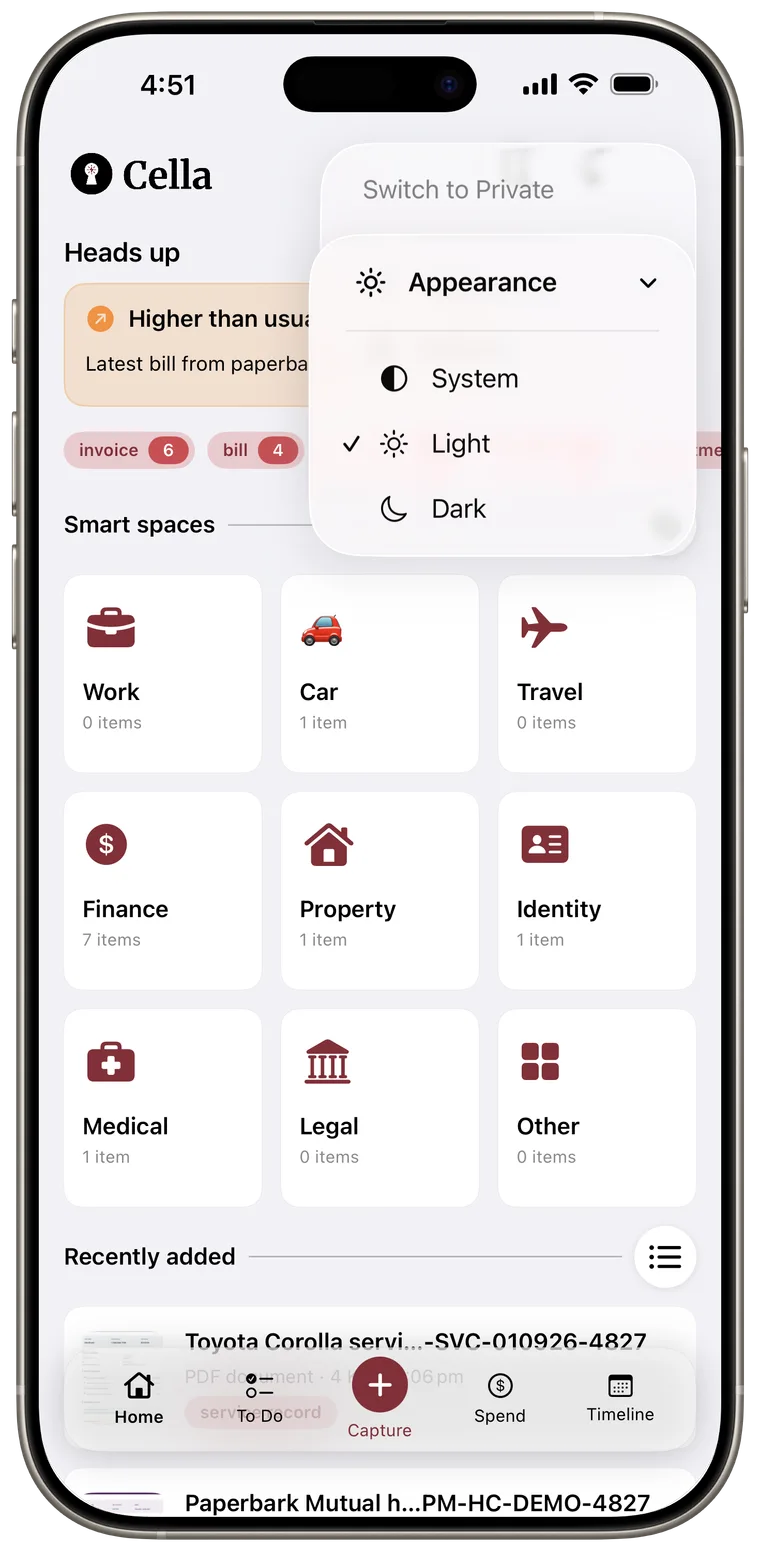
Under Preferences, tap Appearance and choose:
- System to follow the iPhone's current light or dark appearance.
- Light to keep Cella light.
- Dark to keep Cella dark.
The same Appearance menu is also available directly under More > Appearance on Home.
Check your current plan
Tap Subscription. Your current Free, Plus, or Max plan appears under Your Plan.
If an action needs a higher plan, Cella shows an upgrade screen explaining the relevant feature. Existing content is not deleted when a plan changes, even when you are above a new limit.
Upgrade or manage a subscription
- Tap Upgrade to compare available plans and billing periods.
- Tap Manage Subscription to open Apple's subscription-management screen, where you can change or cancel a plan.
- Tap Restore Purchases if a subscription bought with the current Apple ID is not appearing in Cella.
Subscriptions are billed and managed by Apple. Prices and availability shown in Cella come from the App Store.
Good to know: Cancelling stops future renewal through Apple. Paid features remain available until the current subscription period ends.
Plus or Max is required only when an owner creates a new shared space. Existing shares continue syncing after a downgrade, and the owner can still invite people, change permissions, remove participants, or stop sharing. Participants can accept and use a shared space on any plan. Received documents do not count toward the participant's document limit, and received spaces do not count toward the custom-space limit.